Evaluating the Spring Little Garden Floral Pattern for Creative Projects
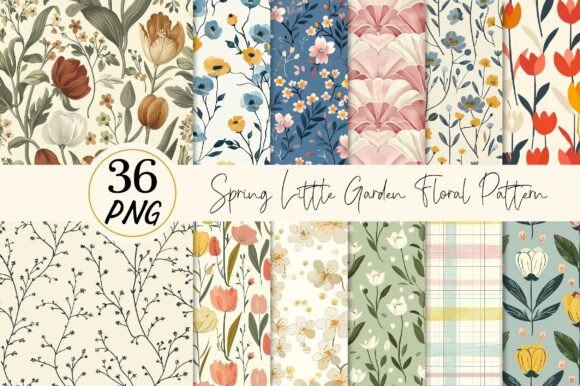
When selecting digital assets for seasonal design projects, the distinction between generic clipart and curated collections often lies in the specific aesthetic details and technical versatility. The Spring Little Garden Floral Pattern represents a specific niche within digital design resources, characterized by its distressed texture, solid color palette, and high-resolution formatting. For creators ranging from hobbyist scrapbookers to small business owners producing print-on-demand goods, understanding the nuances of this asset type is crucial for making an informed purchasing decision. This analysis explores what defines this pattern style, how it compares to other floral options, and the practical considerations involved in integrating these files into your workflow.
Defining the Aesthetic and Technical Specifications
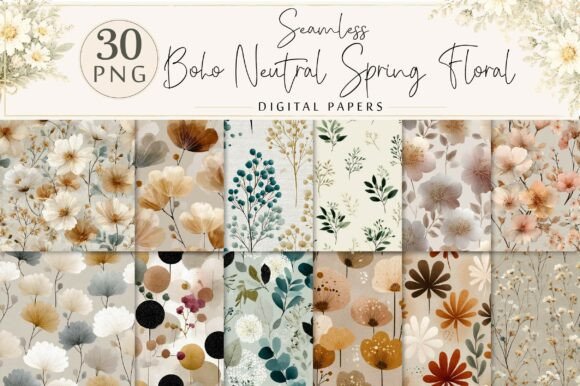
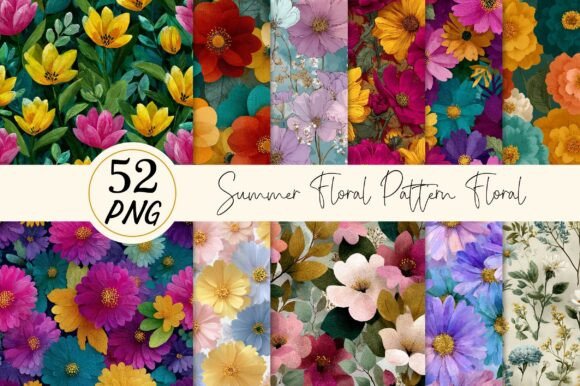
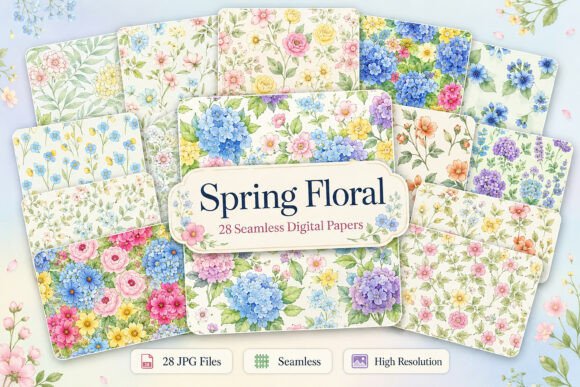
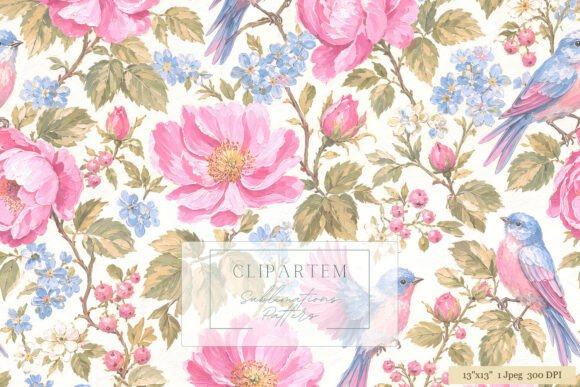
The core appeal of the Spring Little Garden Floral Pattern lies in its deliberate departure from the hyper-realistic or vector-smooth styles that dominate many stock libraries. Instead, this collection utilizes a "solid color distressed effect." This technique mimics the look of traditional block printing or screen printing, where ink does not apply perfectly evenly, resulting in a textured, vintage appearance. This aesthetic is particularly effective for spring-themed projects that aim to evoke nostalgia, rustic charm, or a handcrafted feel.
From a technical standpoint, the value proposition of this specific resource is anchored in its file specifications. The collection typically includes 36 distinct designs, provided as PNG files with transparent backgrounds. The resolution is set at 300 DPI (dots per inch) with dimensions of 12x12 inches. This specification is critical for professional output. While 72 DPI is standard for web graphics, 300 DPI is the industry baseline for high-quality physical printing. The 12x12 inch canvas size offers significant flexibility; it is large enough to be printed at full size for wall art or scrapbook pages, yet the raster format allows for easy resizing in various software applications, provided the user does not upscale beyond the original pixel dimensions without quality loss.
Comparative Analysis: Distressed Raster vs. Vector and Photographic Options
To determine if the Spring Little Garden Floral Pattern is the right fit for a project, it is helpful to compare it against alternative formats and styles available in the digital marketplace.
- Vector Graphics (SVG/EPS): Vector files are mathematically defined, meaning they can be scaled infinitely without losing quality. If a project requires printing a floral motif on a billboard or a tiny jewelry tag from the same source file, vectors are superior. However, vectors often lack the organic, gritty texture of a distressed raster image unless complex mesh gradients or thousands of anchor points are used, which can bog down software performance. The Spring Little Garden pattern sacrifices infinite scalability for immediate textural authenticity.
- Photorealistic Images: High-resolution photography offers depth and lighting realism that illustrations cannot match. Yet, photos can sometimes feel too "heavy" or literal for certain design contexts, such as greeting cards or sublimation t-shirts where a graphic, stylized look is preferred. The solid color approach of the garden pattern ensures that the focus remains on the shape and composition of the flora rather than photographic detail.
- Flat Digital Illustrations: Many modern floral packs feature clean, flat colors with no texture. While trendy for UI design or modern branding, they can appear sterile in craft applications. The distressed effect in the Spring Little Garden collection adds a layer of visual interest that flat illustrations require additional steps to replicate.
The trade-off here is clear: users gain immediate artistic character and print-ready resolution but must manage the limitations of raster images regarding scaling. For most standard crafting and merchandise applications, the 12x12 inch limit is rarely a bottleneck, making this a pragmatic choice for physical products.
Practical Applications and Material Compatibility
The versatility of the Spring Little Garden Floral Pattern is best understood through its application across different mediums. Because the files come with transparent backgrounds, they integrate seamlessly into complex compositions without requiring time-consuming background removal.
Apparel and Textile Printing
For T-shirt designers, particularly those using Direct-to-Garment (DTG) or heat transfer methods, the 300 DPI resolution is essential. The distressed texture works exceptionally well on fabric, as it naturally complements the weave of the material. Unlike solid blocks of color which can crack or feel heavy on cloth, the broken-up nature of the distressed effect can make the print feel more integrated with the garment. The solid color variants allow for easy recoloring in software like Photoshop or Procreate to match specific brand palettes or seasonal trends.
Paper Crafts and Scrapbooking
In the realm of physical paper crafts, the 12x12 inch dimension is the industry standard for scrapbook pages. These designs can be printed directly onto cardstock or used as elements in digital scrapbooking layouts. The "garden" theme aligns perfectly with spring journals, wedding invitations, and baby showers. The transparency allows crafters to layer flowers over patterned papers or photos without unsightly white boxes obscuring the underlying design.
Home Decor and Wall Art
When creating frame artwork or wall decor, the resolution dictates the maximum print size. At 300 DPI, a 12x12 inch file yields a crisp 12-inch print. If a larger canvas is required, the image can be resized, but users must be aware that pushing a 12-inch image to 24 inches will reduce the effective DPI to 150, which may result in visible pixelation upon close inspection. For standard frame sizes (8x10, 11x14), these files are generally sufficient, especially given that the distressed style is more forgiving of minor resolution drops than sharp geometric lines.
Decision Factors: When to Choose This Resource
Selecting the Spring Little Garden Floral Pattern should be a decision based on specific project requirements rather than impulse. Here are key factors to consider during your evaluation:
- Desired Aesthetic: If your goal is a clean, corporate, or ultra-modern look, this distressed style may be too rustic. However, for farmhouse, vintage, bohemian, or handmade vibes, it is an ideal match.
- Production Method: If you are utilizing sublimation printing, ensure your printer can handle the specific color profiles of the solid colors provided. Note that colors may vary depending on devices and printers, a common limitation in digital downloads that requires test prints for color-critical projects.
- Software Proficiency: While the files are "easy to resize," manipulating 36 different PNGs efficiently requires familiarity with layers and batch processing in software like Adobe Illustrator, Photoshop, Canva, or Affinity Designer. Users expecting a drag-and-drop website builder experience may find the need to manage individual image files slightly more hands-on.
- Licensing and Usage: As a digital instant download, there is no physical inventory. This is cost-effective and immediate but requires the user to have their own printing solutions or a connection to a print-on-demand service. Ensure the license covers your intended commercial use if you plan to sell products featuring these designs.
Limitations and Considerations
No digital resource is without limitations. The primary constraint of the Spring Little Garden Floral Pattern is its fixed resolution. Unlike vector files, you cannot enlarge these images indefinitely. If a project demands a massive backdrop for a trade show booth, these 12x12 inch files would need to be upscaled significantly, potentially compromising quality. Additionally, the "solid color" aspect means that if you require multi-tonal shading or gradients within the flower petals themselves, you would need to edit the files extensively, as they are designed as single-color or limited-palette silhouettes.
Furthermore, the variation in color reproduction across different monitors and printers is a reality of digital design. What appears as a soft pastel pink on a calibrated monitor might print as a vibrant magenta on a home inkjet. Professionals mitigate this by using CMYK color profiles and ordering proof prints before running large batches, a step that is essential when working with pre-designed digital downloads.
Final Verdict on Utility
The Spring Little Garden Floral Pattern serves as a robust tool for creators who prioritize texture and ease of integration over infinite scalability. Its strength lies in the balance between high-resolution readiness for print and the artistic nuance of the distressed effect. For those producing stickers, cards, apparel, or scrapbook layouts, this collection eliminates the need to create textures from scratch, offering a library of ready-to-use assets that convey a specific, warm, springtime atmosphere. By understanding the technical boundaries of raster graphics and the specific aesthetic language of distressed patterns, users can effectively leverage these 36 designs to enhance their creative output without the pitfalls of mismatched expectations.